
Installation Guide
How to set up IPTV on Android using IPTV Smarters Player?
Step 1: Begin by downloading the IPTV Smarters app from this URL: https://www.iptvsmarters.com/iptv-smarters-5.0.apk
Step 2: Open the downloaded app and enter the login information.
Step 3: Enter the login details provided after subscription and press "Add User."
Step 4: Wait for a few seconds.
Step 5: Click on the "Live TV" icon as shown in the image.
Step 6: Now, select the channel group you want to watch and proceed to the next section.
Step 7: Click on the channel name, then double-click on the small screen to go full screen in the final step.
Installation on Windows:
Download the IPTV Smarters application for Windows from the official download page.
Installation on MAC:
Download the IPTV Smarters application for Mac from the official download page.
How to set up IPTV on Fire TV Stick
1: From your device's home screen, hover over the Search option.
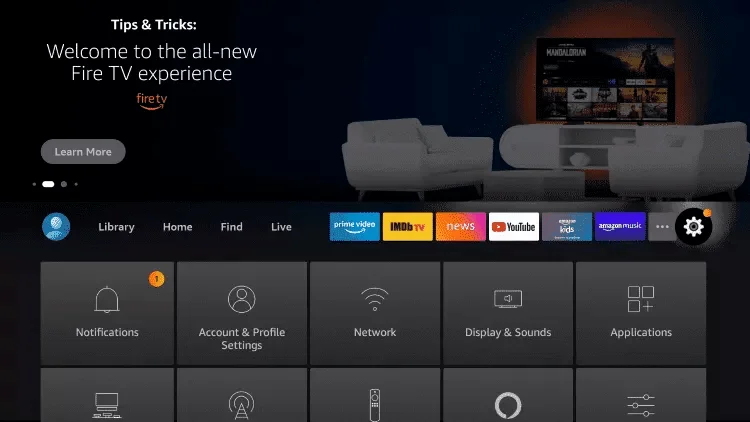
2: Click on Search.
3: Search for and select Downloader
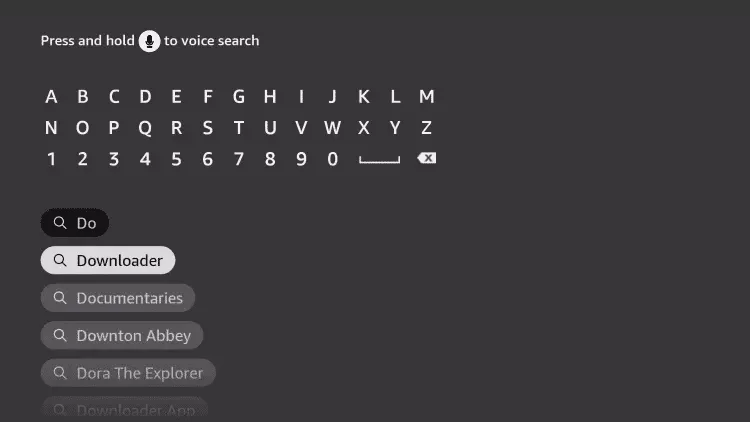
4: Choose the Downloader application.
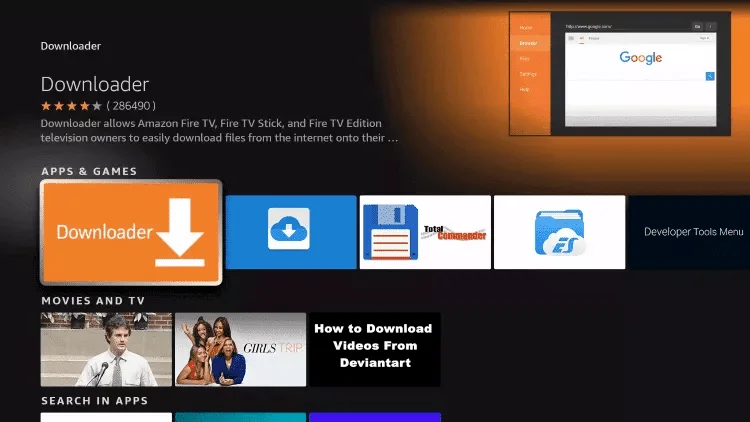
5: Click on Download.
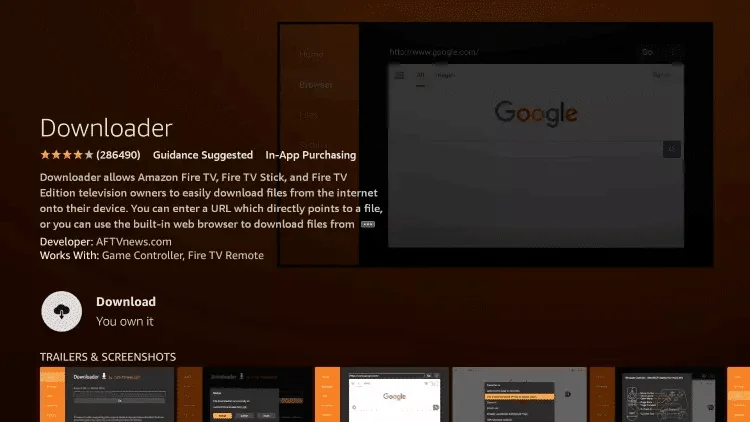
6: Once the application installation is complete, click on Open.
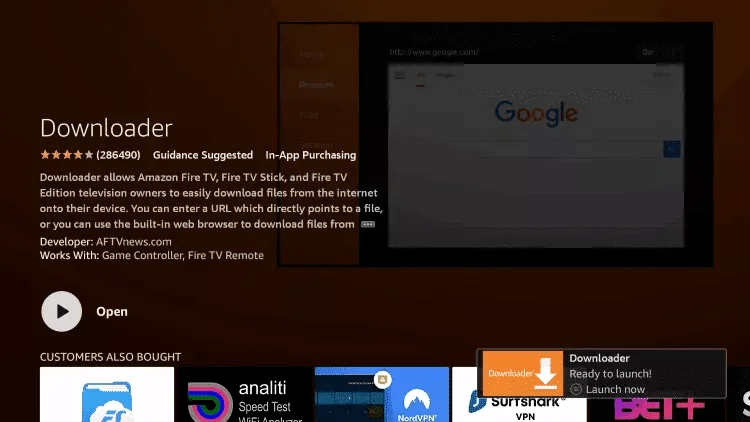
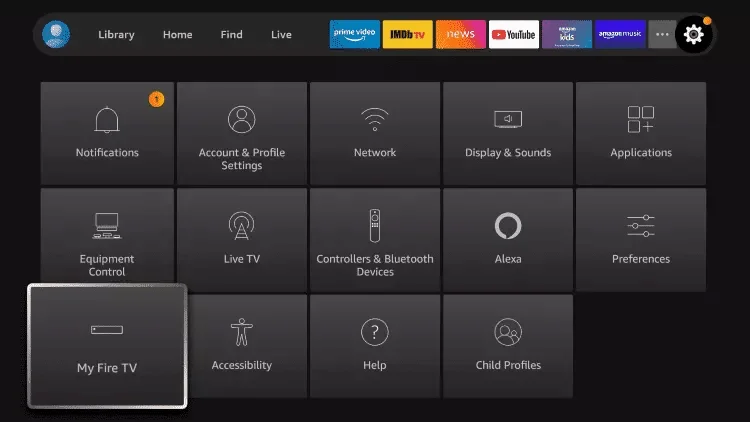
7: Go back to the home screen and open Settings.
8: Click on My Fire TV.
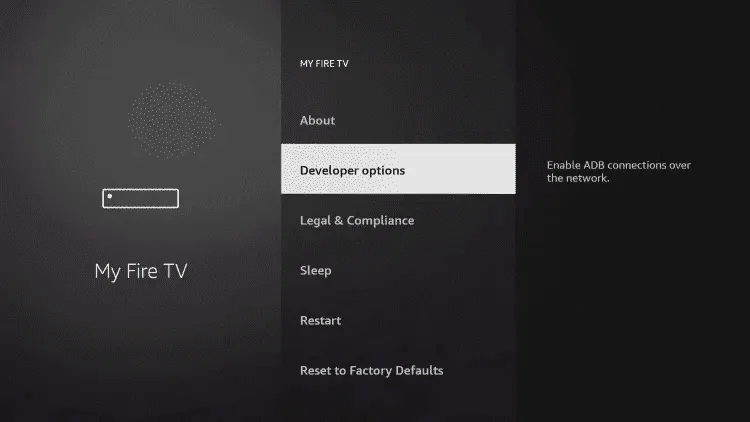
9: Select Developer options.
10: Click on Install Unknown Apps.
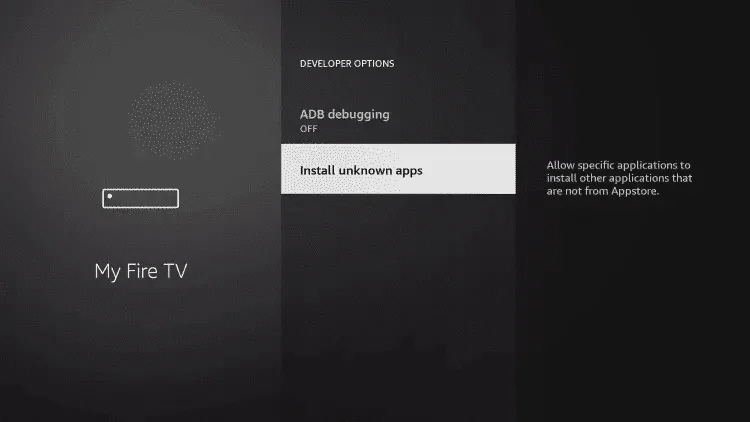
11: Find the Downloader app and click on it.
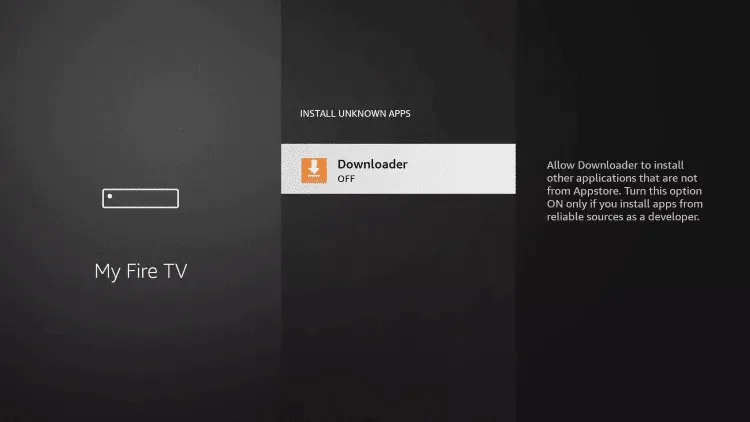
12: This will enable Unknown Sources for the Downloader app, allowing sideloading on your device.
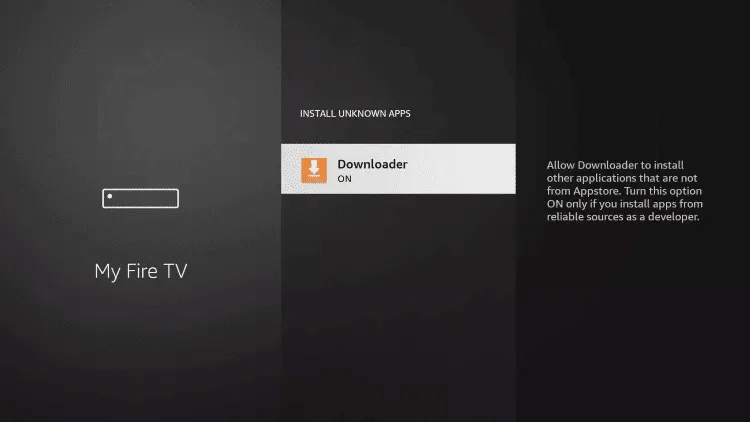
13: Launch Downloader.
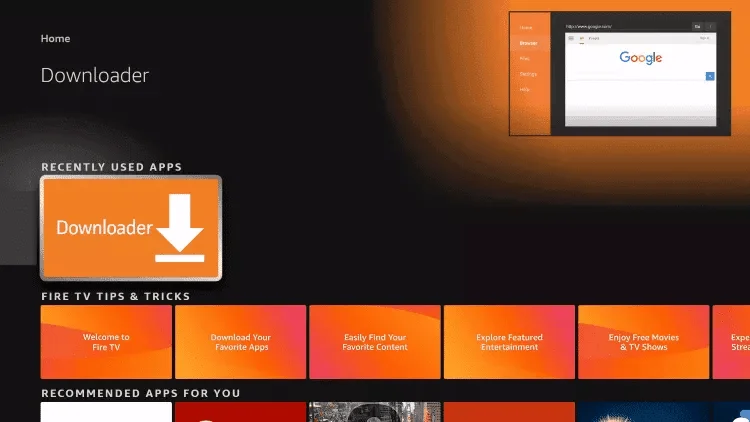
14: Click on Allow
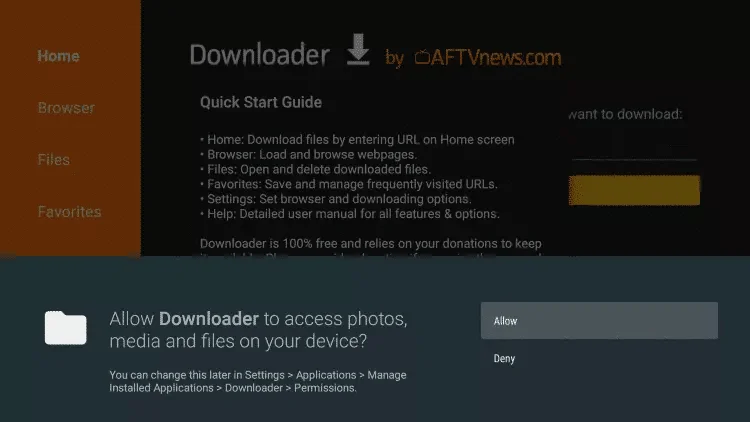
15: Click on Allow.
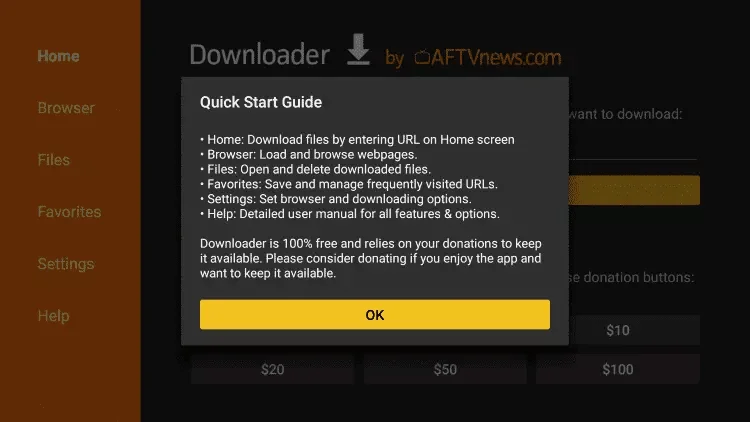
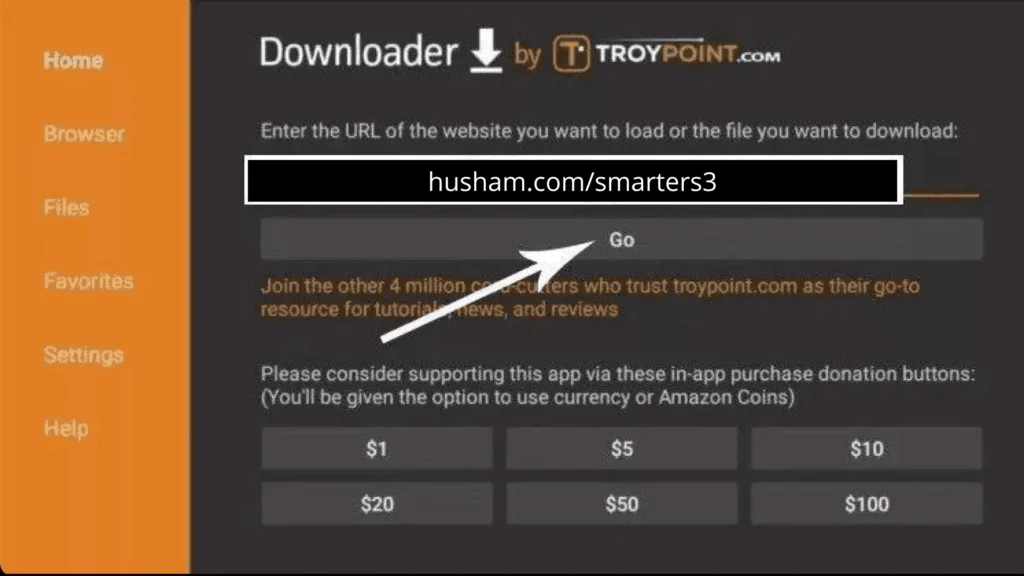
16: Type the following URL exactly as shown: https://www.iptvsmarters.com/smarters.apk and click on Go.
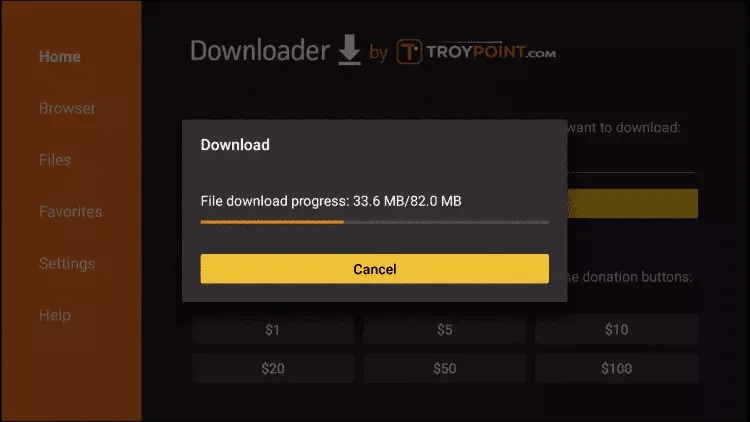
17: Wait for the file to download.
18: Click on Install.
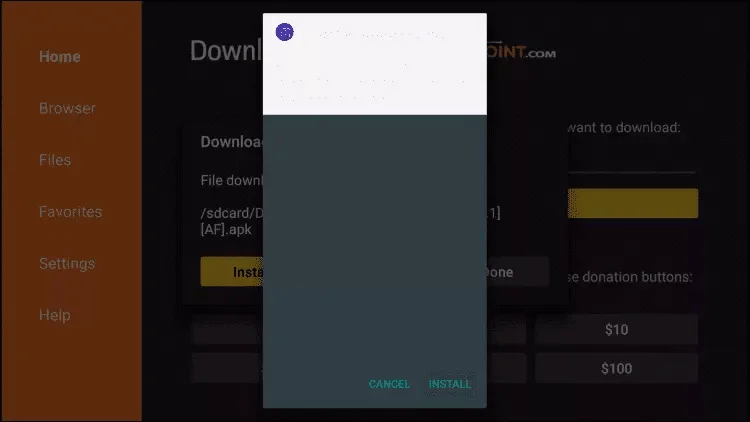
19: Click on done
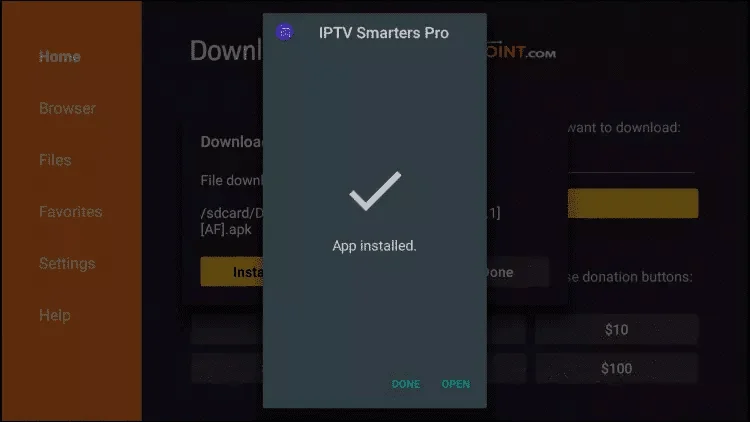
20: Open IPTV Smarters IPTV, then select Connect with Xtream API.
21: Enter the login information that we sent you via WhatsApp, email, or chat.
How to set up IPTV on Apple/iOS with IPTV Smarters Player:
Step 1: Start by downloading the IPTV Smarters app from the Apple Store using this URL: https://apps.apple.com/in/app/iptv-smarters-player-lite/id6505038741
- Alternatively, you can download it from the App Store.
Step 2: Open the app once downloaded and enter the login information.
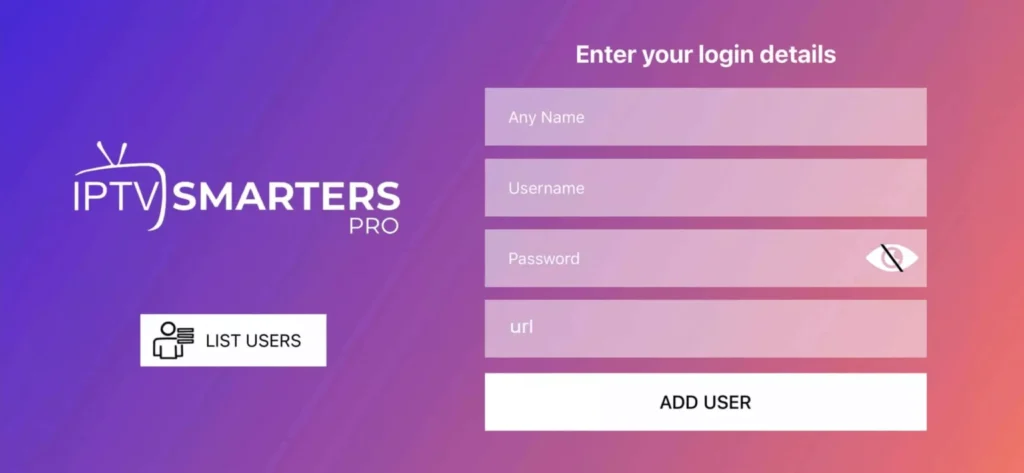
Step 3: Enter the login details provided after subscription and press "Add User."
Step 4: Wait for a few seconds.
Step 5: Click on the "Live TV" icon as shown in the image.
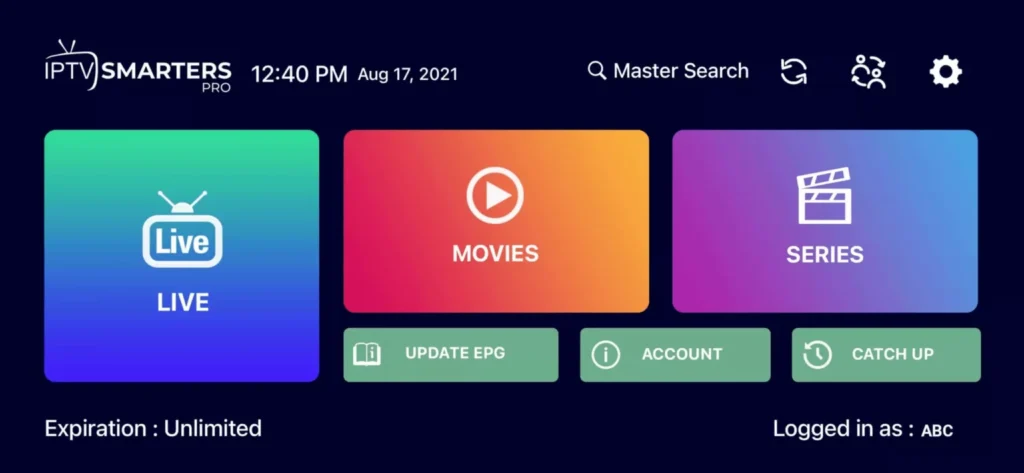
Step 6: Now, select the channel group you want to watch and proceed to the next section.
Step 7: Click on the channel name, then double-click on the small screen to go full screen in the final step.
For Samsung Smart TV:
Step 1: Press the Smart Hub button on your remote.
Step 2: Search for IPTV Smarters Pro to install it.
Step 3: Log in to the application with your subscription details: username, password, portal URL.
For LG Smart TV:
Step 1: Press the Home button on the remote and go to LG Content Store.
Step 2: Search for IPTV Smarters Pro to install it.
Step 3: Log in to the application with your subscription details: username, password, portal URL.